
Your geotechnical work, connected.
GeotechCore brings projects, jobs, people and field services into one workspace. Built in Rust, it gives your team a flexible foundation for the workflows you already use.
Connect through its API, build tailored integrations, and create the mobile apps or report tools your business needs. Tutorials and implementation guides are available in the customer portal, with free guidance from our solutions engineers.
One core, every part of the job.
From planning the work to sending the report, GeotechCore gives each part of your team a place to work together. The previews below use illustrative sample data.
Plan and manage
Keep the office side of every job moving.
-
GEOTECHCORE · DEMOIn review
Report workflow
Site investigation
FieldDraftReviewIssueSI-2041 3 of 4 steps01 / FEATURECreate report workflows
Define the steps from field capture to review and final delivery. Build a repeatable path for the reports your business produces, including custom PDF output when you need it.
-
GEOTECHCORE · DEMO3 jobs
Field schedule
Tuesday, 17 March
08:00DCP · Riverside RdM. Chen · Field team A10:30Compaction · Lot 18A. Patel · Field team B13:00Borehole · NorthbankJ. Lee · Drilling crew02 / FEATURESchedule work live
Plan upcoming jobs from the back office and keep the schedule visible as plans change. Give coordinators and field teams a shared view of what is happening next.
-
GEOTECHCORE · DEMOSubmitted
Digital docket
DK-1042
ProjectNorthbank upgradeServiceField testingHours logged6.5 hrs✓ Site supervisor acknowledged
03 / FEATUREManage digital dockets
Move job dockets into a digital workflow so the details stay with the work. Keep records easier to find and ready for the next step in your process.
Equip the field
Give technicians tools that fit the way they work.
-
GEOTECHCORE · DEMO
NORTHBANK GEO
Good morning, Maya
▣ Today’s jobs 03◉ Field tests 12▤ Dockets 0204 / FEATUREBuild branded mobile apps
Put a native field service app in your team’s hands with your own company brand. Our team can guide you through shaping it around your field processes.
-
GEOTECHCORE · DEMOOffline
Field app
Offline workspace
Saved on this device3 items✓ DCP test · BH-0309:42✓ Site photo · Lot 1809:50✓ Docket · DK-104210:04Ready to sync when connected05 / FEATUREWork offline first
Keep recording information when a site has poor or no reception. Field technicians can continue their work without depending on a constant connection.
-
GEOTECHCORE · DEMORecorded
Field test record
Compaction · Lot 18
Dry density
1.96 t/m³
Moisture
11.8 %
DCPBoreholeProof roll06 / FEATURERecord field testing
Capture compaction and DCP tests, borehole logs, excavation testing and proof roll testing. Bring the results of different site activities into the same workflow.
Capture and deliver
Bring site evidence and reporting into one place.
-
GEOTECHCORE · DEMOSigned
Field approval
Docket DK-1042
Site supervisor signature
Alex Morgan
Alex Morgan17 Mar · 14:32Attached to Northbank upgrade
07 / FEATURECapture field signatures
Collect signatures where the work takes place. Attach the acknowledgement to the field record instead of following it up after the team returns to the office.
-
GEOTECHCORE · DEMODraft
Onsite report
Daily field summary
Northbank upgrade17 MARTests completed8Site images12Field notes4Report ready for review →
08 / FEATUREGenerate onsite reports
Prepare a report while the site visit is still in progress. Move captured information towards a deliverable without waiting to re-enter it later.
-
GEOTECHCORE · DEMO12 images
Project media
Northbank upgrade
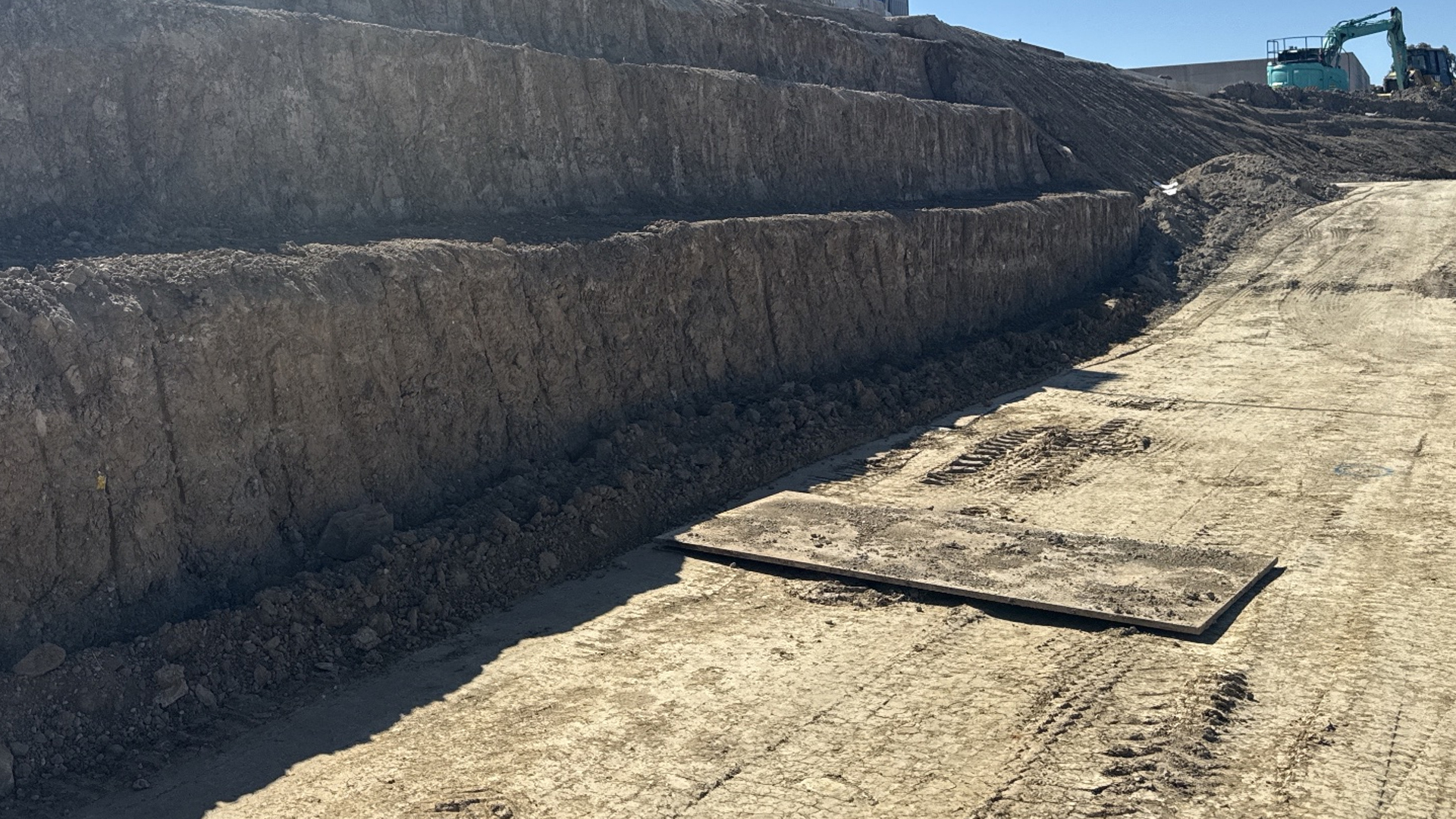
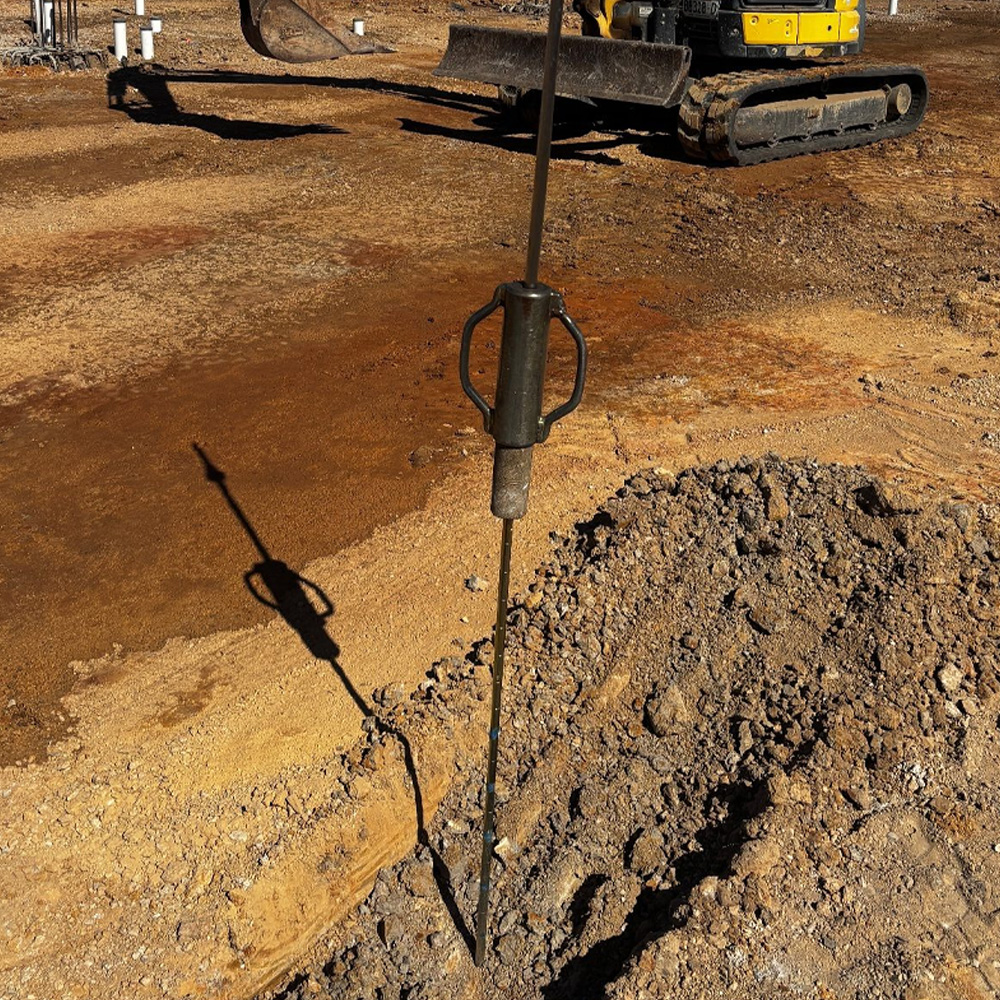
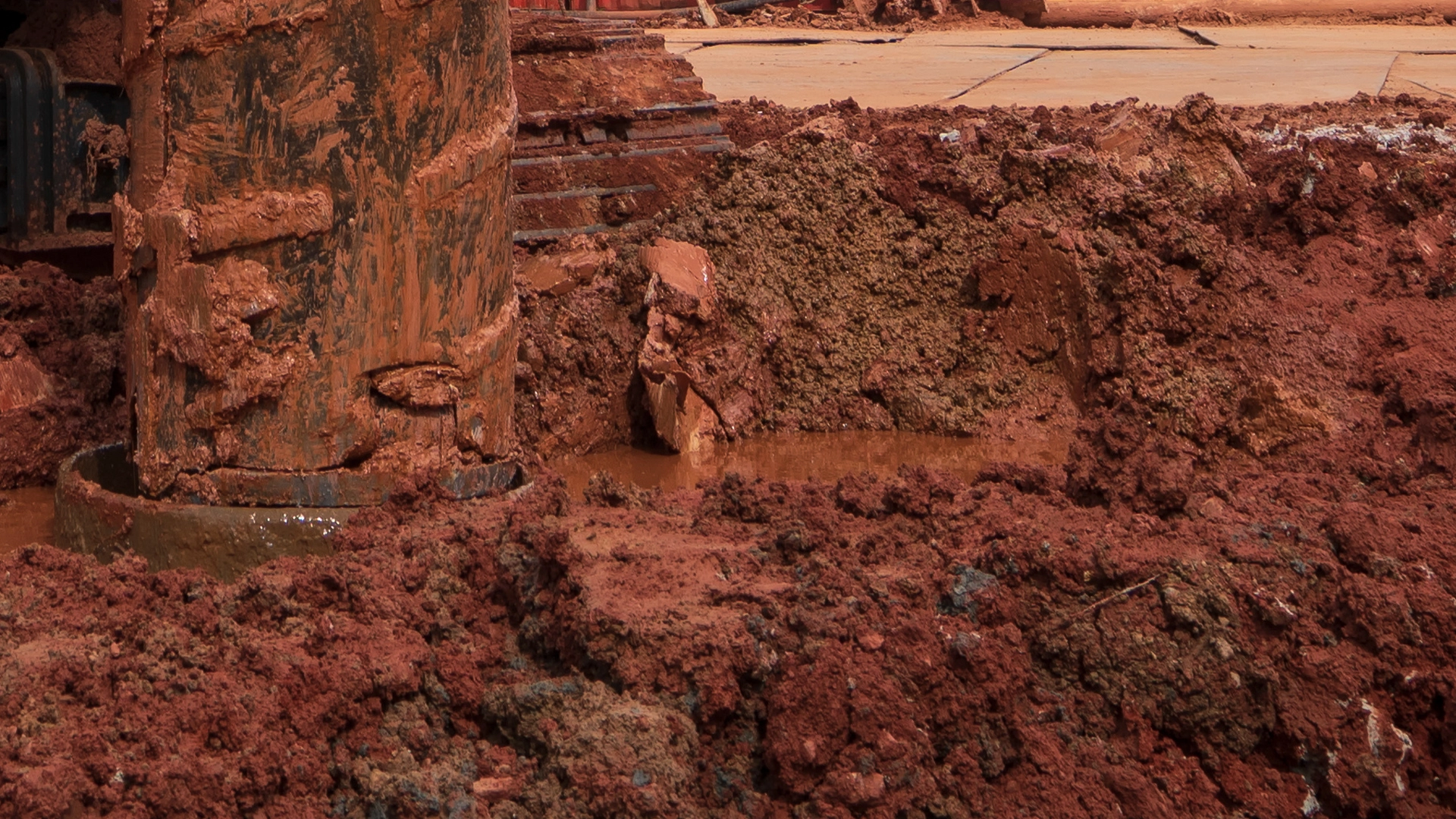 ExcavationDCP testingSite overview09 / FEATURE
Store project images
Capture site photos and save them directly under the relevant project. Keep visual evidence alongside the job information it supports.
Connect and coordinate
Keep people, locations and the tools they use in sync.
-
GEOTECHCORE · DEMO● Active
Connected channels
Project updates
TMicrosoft TeamsConnectedSSlackConnectedWWhatsAppConnected10 / FEATUREConnect team conversations
Integrate with Microsoft Teams, Slack and WhatsApp. Bring updates into the channels your people already use to coordinate work.
-
GEOTECHCORE · DEMO● 2 active
Live field activity
Teams on site
MCMaya ChenRiverside Rd · DCP10:42APArun PatelLot 18 · Compaction10:38Latest field updates received just now
11 / FEATURETrack live site activity
Follow employees’ job site locations and field data as work happens. Give the back office a more current picture of progress across active jobs.
-
GEOTECHCORE · DEMONorthbank project sites2 locations
Nearmap + Google Maps
12 / FEATUREUse familiar maps
Connect location workflows with Nearmap and Google Maps. Help teams see where work is happening in the mapping tools they know.
Build the workflow your team needs.
Our solutions engineers can help you get started with GeotechCore and its integrations.