
Open Borehole Logging and sign in
Open GeotechOS Borehole Logging in a web browser or on your computer, and sign in with your work email or your Google account. No password is needed.
Applies toWindows and macOSWeb browserPhone and tablet
Sign in to Borehole Logging with your work email. Borehole Logging does not use a password. It sends a code to your email.
Open Borehole Logging
- In a web browser: go to au.geotechos.com/bhlcs. Use a current version of Chrome, Edge, Safari or Firefox.
- On Windows, macOS, a phone or a tablet: contact support to get the app for your device.
Note: The first time you open Borehole Logging in a web browser, the app downloads. This can take one minute on a slow connection. The next time, it opens quickly.
Sign in with your email
- In Work email, type your work email address.
- Click Continue with email. Borehole Logging sends a 6-digit code to your email.
- Type the code.
- Click Continue. Borehole Logging opens the desktop workspace, or the field logger on a phone.
If the email does not arrive in two minutes, look in your junk mail folder. Then click Resend code. To use a different address, click Use a different email.
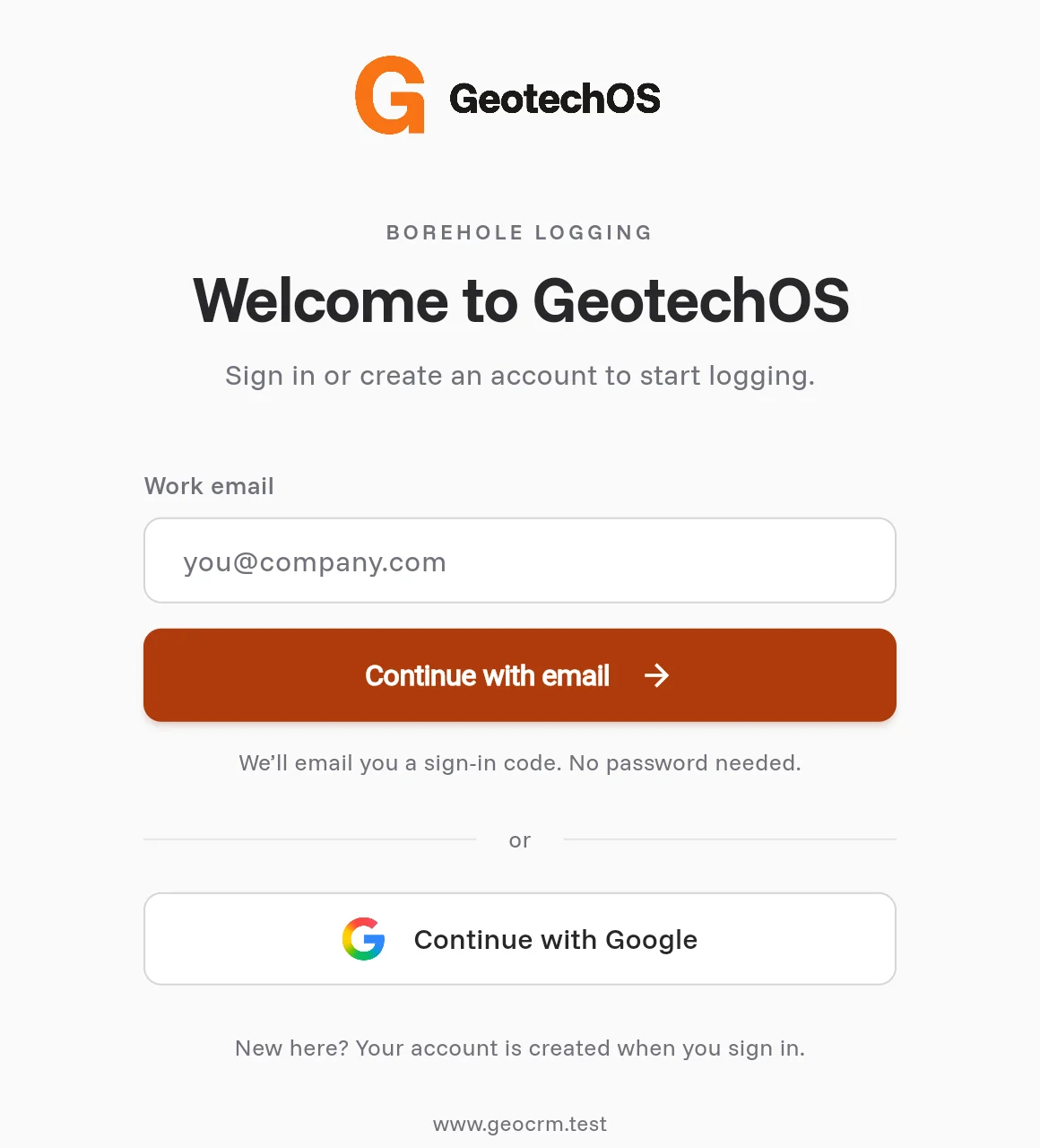
Sign in with Google
- Click Continue with Google.
- In the browser, select your Google account.
- Go back to Borehole Logging. You are signed in.
New to Borehole Logging
You do not need an account before you start. When you sign in for the first time, Borehole Logging makes a workspace for you. To work in your company's workspace, ask your administrator to invite you. Then sign in with the invited email address.
Open Borehole Logging in one browser tab only
Borehole Logging keeps your logs in the web browser while you work. Open Borehole Logging in one tab at a time. If Borehole Logging is open in another tab, the app tells you. Close the other tab, or use it.
Sign out
- Click Project at the left of the ribbon.
- Click Sign out at the bottom left. You can also click View › Sign out.
- Click Sign out again to confirm.
Borehole Logging removes the copy of your logs from this device. Everything that is synced stays on the server.
Note: If some changes are not sent yet, Borehole Logging shows Still sending and does not sign you out. Connect to the internet, sync, then sign out.