
Samples and in-situ tests
Record samples and in-situ tests in Borehole Logging, including SPT blow counts and refusal, pocket penetrometer, shear vane, point load and permeability tests.
Applies toWindows and macOSWeb browser
Samples and in-situ tests are in the Samples & tests group of each hole. The log sheet prints them in the samples and tests columns, at their depths.
Record a sample
- Open the hole's Samples table.
- In Sample, type the sample number, for example D1 or U1.
- In Type, select the type, for example Disturbed, Undisturbed 50 mm, Bulk or Water.
- Type the Top depth. For a sample over a length, also type the Base.
- Optional: type the Recovery in percent, the Lab ref and Remarks.
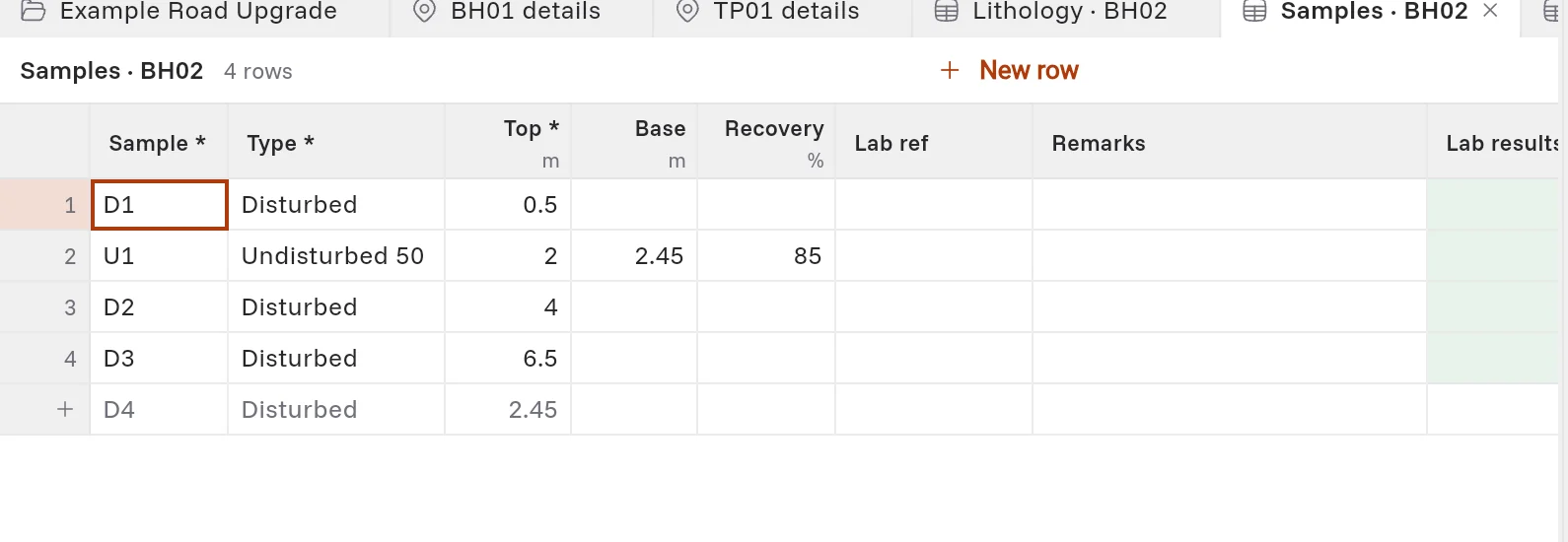
When the device is online, the Lab results column shows the results that the laboratory has entered for a sample. You cannot change this column. To send samples to the laboratory, see Send samples to the laboratory.
Samples that the app makes for you
- When you type the recovered length of an SPT, the app makes the SPT sample.
- When you first log a core run, the app makes a core sample. To stop this for a hole, open its full header and set Core samples to Typed in Samples. See The rest of the header.
The app makes each sample one time only. If you delete it, the app does not make it again.
Record an in-situ test
All in-situ tests are in one table, In-situ tests. To see only one kind of test, open it under In-situ tests in the project tree, for example SPT, or click Columns and select the test.
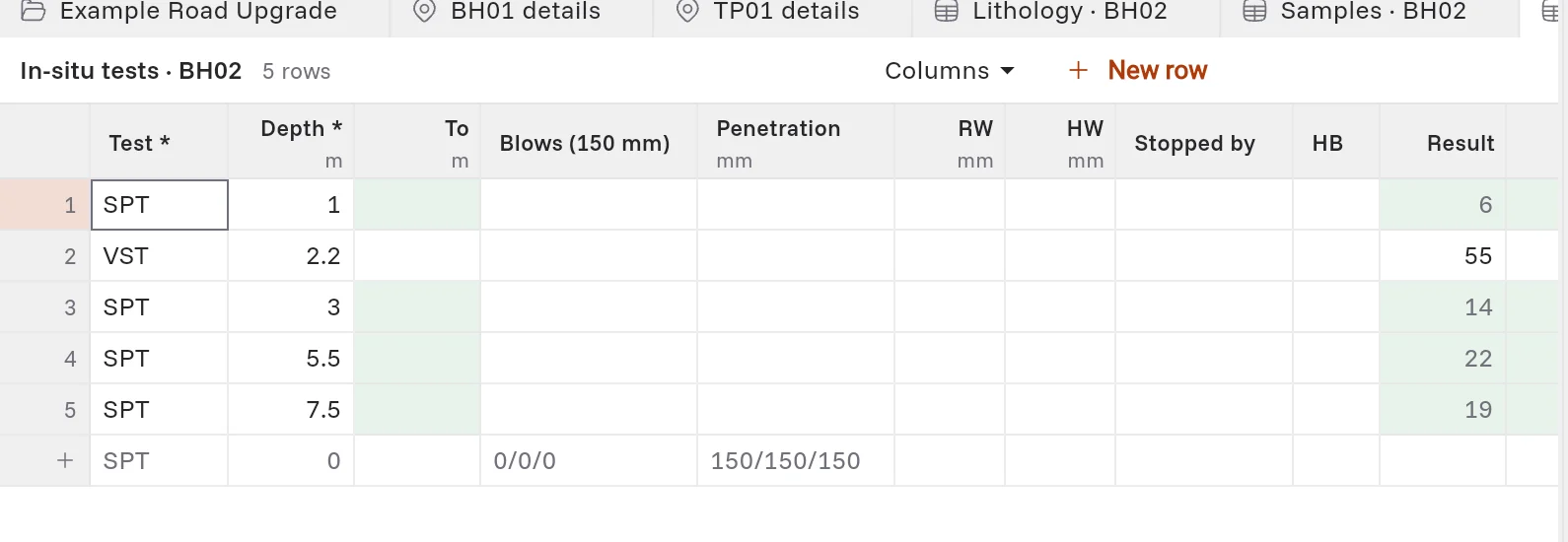
- Open the hole's In-situ tests table.
- In Test, select the test, for example SPT, PP (pocket penetrometer), VST (shear vane), IS50 (point load), PERM (permeability) or PACKER.
- Type the Depth.
- Type the result in the columns for that test.
Record an SPT
- Type the Depth at the top of the test.
- In Blows (150 mm), type the blows for each 150 mm, for example 4/6/8 or 4 6 8. The first number is the seating drive.
- The app works out the N value (14 in the example) and the reported result, for example 4,6,8 N=14.
If the test stopped early, type fewer numbers. For example, 5/30 is a test that stopped in the second increment. Then:
- In Penetration, type the millimetres that each increment went, for example 150/120.
- In Stopped by, select refusal or obstruction.
Other SPT columns:
| Column | What to type |
|---|---|
| RW, HW | The millimetres the sampler went under the weight of the rods or the hammer, before any blow. |
| HB | Select it when the hammer bounced. |
| Recovered | The length of sample in the split spoon, in millimetres. The app makes the SPT sample. |
To see N60 and (N1)60, click Columns, then SPT corrections. Type the Hammer, the Energy ratio, the hole diameter and the Rod length. The project's log options set how a refusal is reported, for example N=30/120mm or N=R.