
File another laboratory's report
Keep another laboratory's report, such as a chemical test, under the job in GeotechOS Lab, numbered with the job's reports and emailed to the client.
Applies toWindows and macOSWeb browser
Sometimes another laboratory does a test for a job, for example a chemical test. You can keep its report under the job. Lab gives it the next report number of the job, so the client gets all the reports of the job in one series.
File the report
- Open the job. See Requests and the job page.
- Under Reports, click Add another laboratory's report.
- Choose the PDF.
- Type the Laboratory that issued it and Their report number. Type a Title if you want one.
- Click File it.
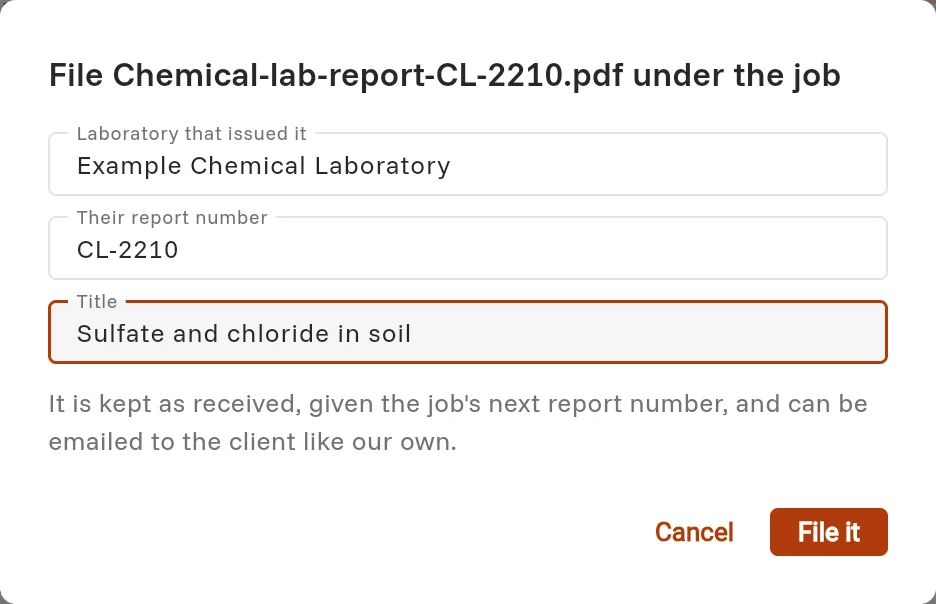
The report shows under Reports with the job's next number, for example G-0001-1A, and the word Received. Lab keeps the PDF as it was received.

Email it
Open the report and email it to the client in the same way as your own reports. See Issue, email and amend a report.