
Compaction control reports
Make a compaction control report from a layer's field density tests in GeotechOS Lab, then review, authorise, release and re-issue it.
Applies toWindows and macOSWeb browser
A compaction control report holds the field density tests of one layer of an earthworks lot. Lab assesses each test against its reference, and three people sign the report before it is released.
Make the report
- Click Reports › Compaction control.
- Click the project, then click New report from a layer.
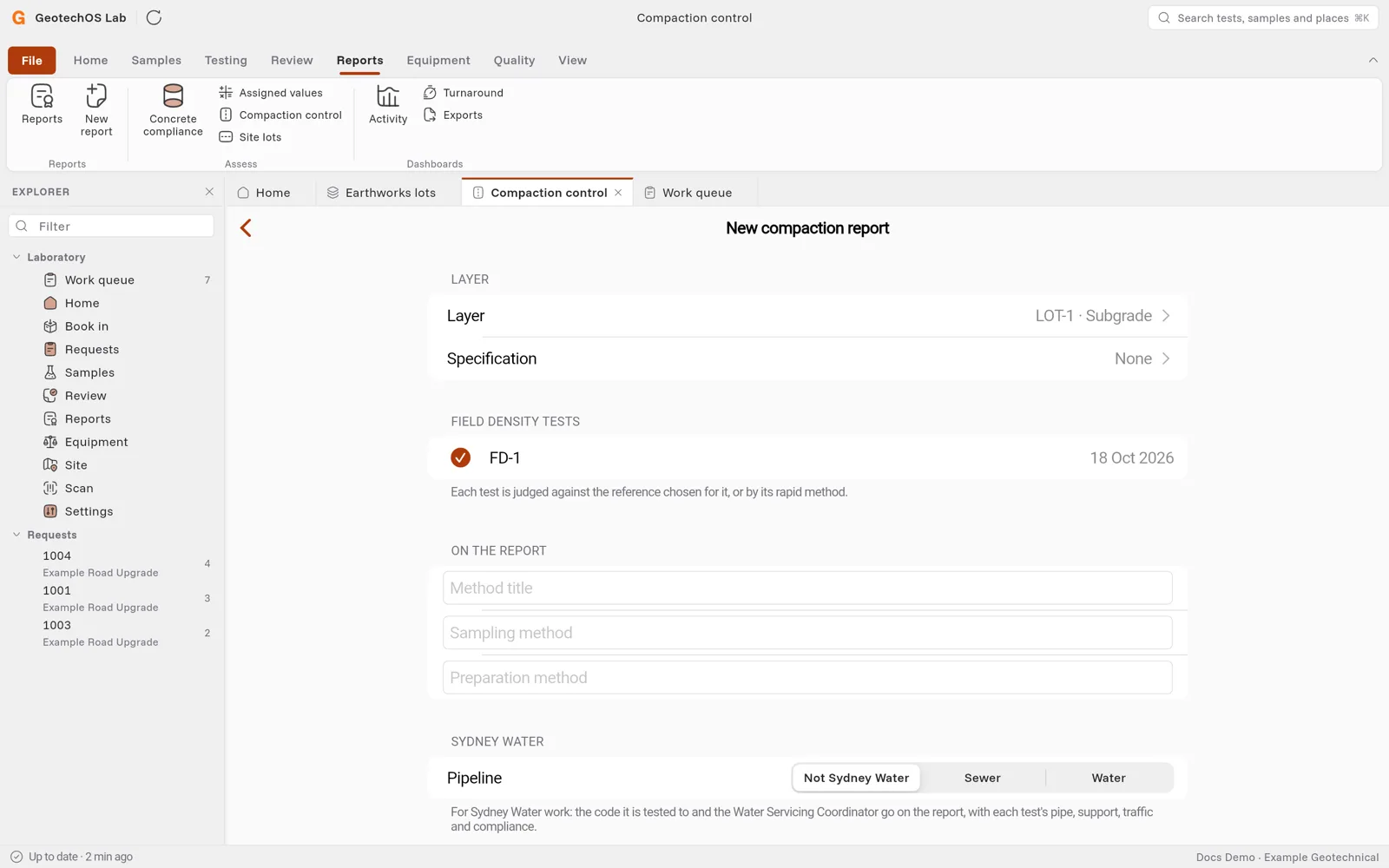
- Choose the Layer, for example LOT-1 · Subgrade. Lab lists its field density tests.
- Clear any test that must not be on the report.
- Fill in On the report, for example the sampling method.
- Click Make the report.
Assess and submit
- Click Testing complete. Lab assesses each test and freezes the assessment.
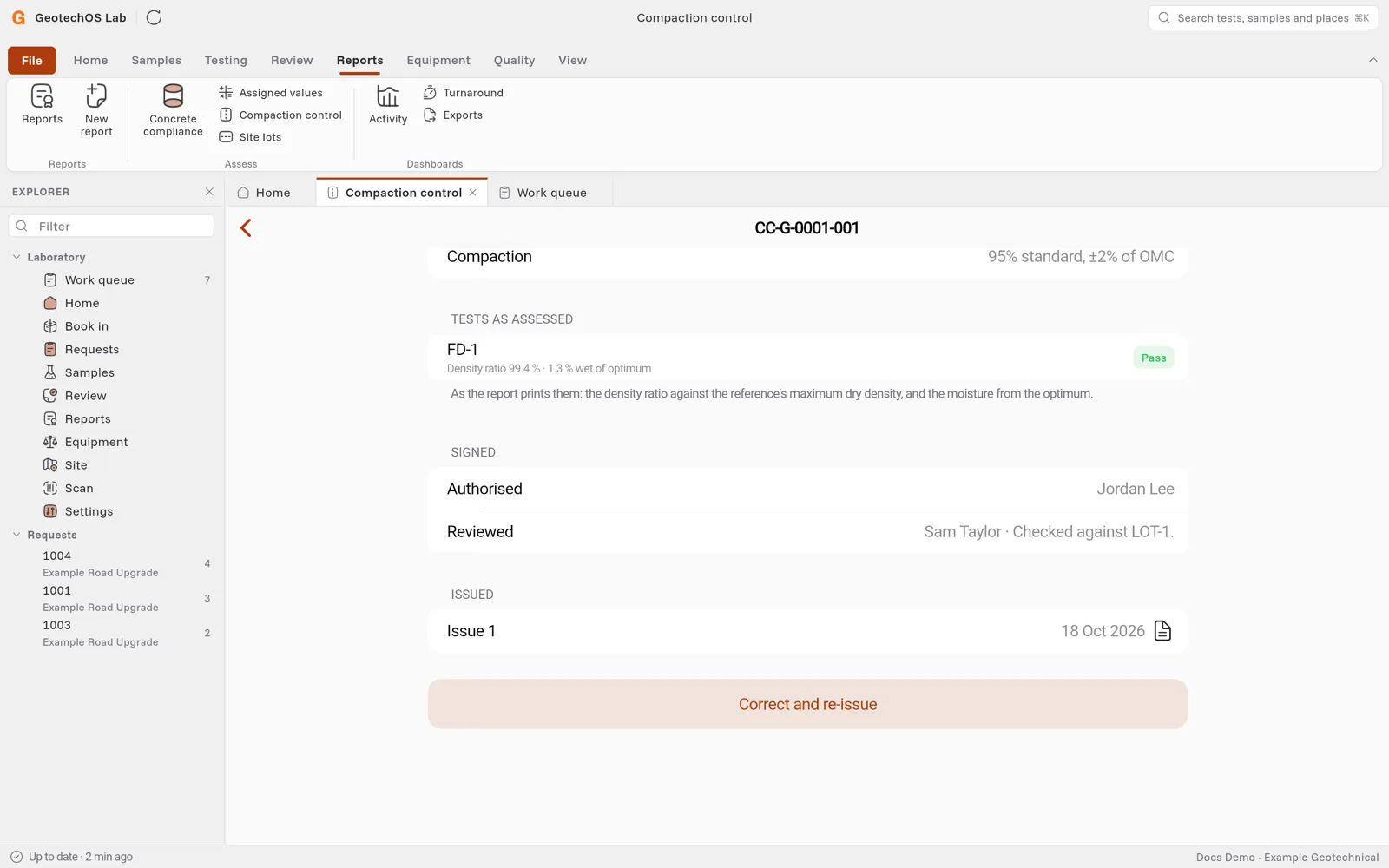
- Under Tests as assessed, check each test, for example Density ratio 99.4 % · 1.3 % wet of optimum and Pass. These are the figures that the report prints.
- Click Submit for review.
Compaction shows the specification of the lot, for example 95% standard, ±2% of OMC.
Review, authorise and release
Three different people sign the report:
- The person who prepared it submits it.
- A second person opens it and clicks Review.
- A third person clicks Authorise for release.
If you prepared or reviewed the report, Lab tells you who signs next. It does not show you the button.
When the report is authorised, click Release the report. Lab draws the PDF on your computer from the authorised assessment, and the server keeps it as issued. The PDF prints the dates and times in the time zone of the laboratory.
Correct and re-issue
If an issued report is wrong:
- Click Correct and re-issue and type why.
- Lab makes a new revision of the assessment. Submit, review, authorise and release it again.
The new issue says that it supersedes all earlier issues, and prints the reason.