
Issue, email and amend a report
Approve and issue a laboratory report in GeotechOS Lab, sign it with your certificate, email it to the client, and amend it as a new issue.
Applies toWindows and macOSWeb browser
When a report is approved, issue it. Lab makes the PDF, signs it with your laboratory's certificate, and keeps it. Then email it to the client.
Approve the report
You must not be the person who made the report.
- Click Reports › Reports.
- Click the report that shows Awaiting approval.
- Click Approve for issue.
- Type a comment if you want, then click Approve. The report shows Approved.
Issue the report
- Click Issue report.
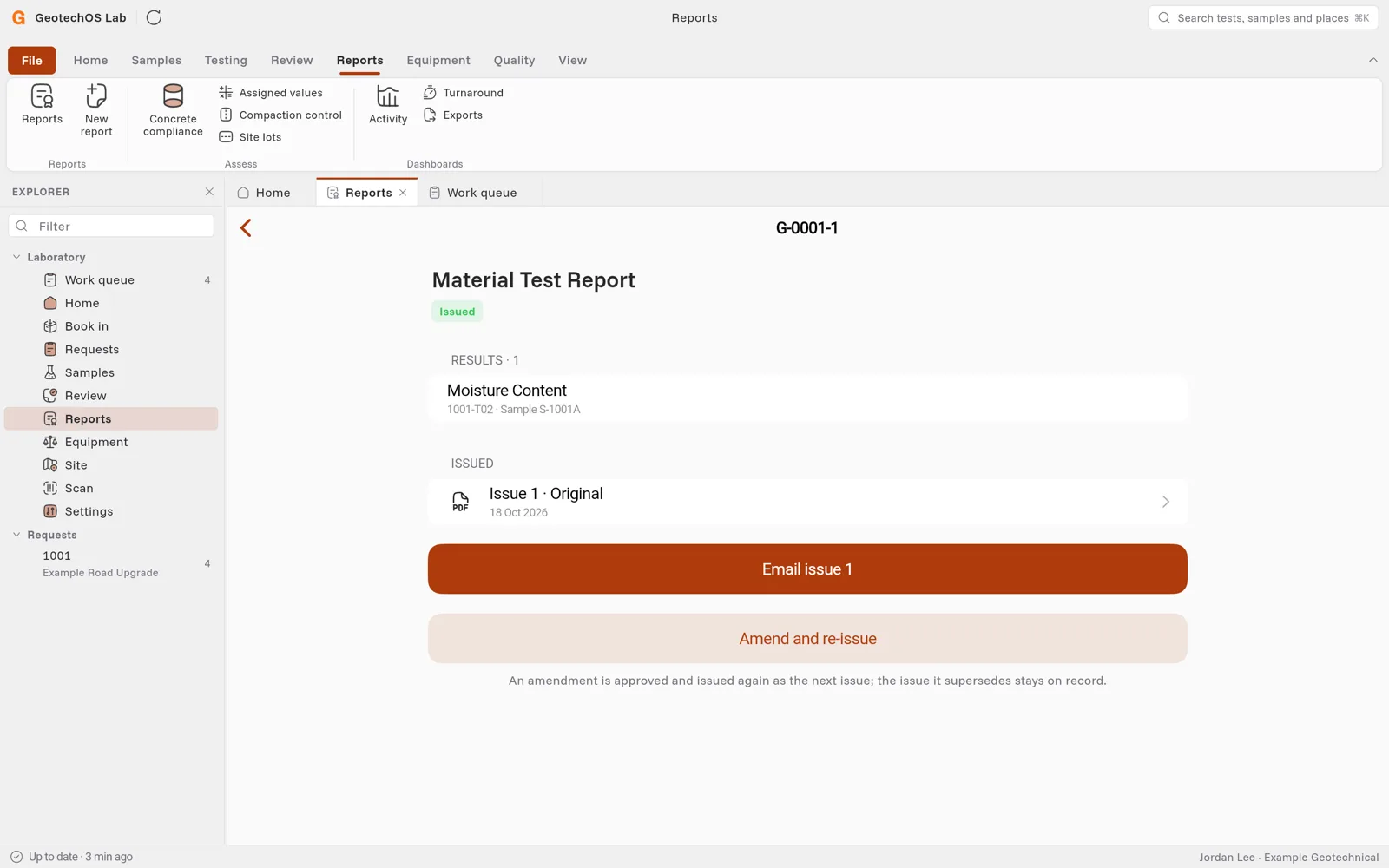
- Lab makes the PDF and signs it. The report shows Issued, with Issue 1 · Original under Issued.
To see the PDF, click the issue.
Note: If your laboratory has no signing certificate, Lab issues the report unsigned. See Install the report-signing certificate.
Email the report
Lab fills in the addresses for you:
- The first time you email a report, the job's Client contact is under To. The project's report recipients are under Cc. See Who gets the project's reports.
- If the job has no client contact, the first report recipient is under To.
- When you email a later issue, Lab uses the addresses of the last email.
- Click Email issue 1.
- Check the addresses. To add an address, type it and click To, or click Cc to copy someone. To remove an address, click × next to it.
- Check the Subject and the Message.
- Click Send.
Caution: Check the addresses before you click Send. You cannot recall an email.
Under Sent, Lab shows each address and if the email was delivered.
Amend a report
You cannot change an issued report. To correct it, amend it:
- Click Amend and re-issue.
- Select Administrative (for example a wrong address) or Technical (a change to a result).
- Type the reason. Lab prints it on the new issue.
- Click Amend.
- Approve and issue the report again.
Lab issues it as the next issue, for example Issue 2. The issue it replaces stays on record. When you email the new issue, Lab offers everyone who had the old one.