
Release a site lot
Review, authorise and issue the report of a site lot in GeotechOS Lab, such as an asphalt lot, and send it back for correction.
Applies toWindows and macOSWeb browser
The report of a site lot is signed by three people, as a laboratory report is. You do this on a computer.
Open the lot
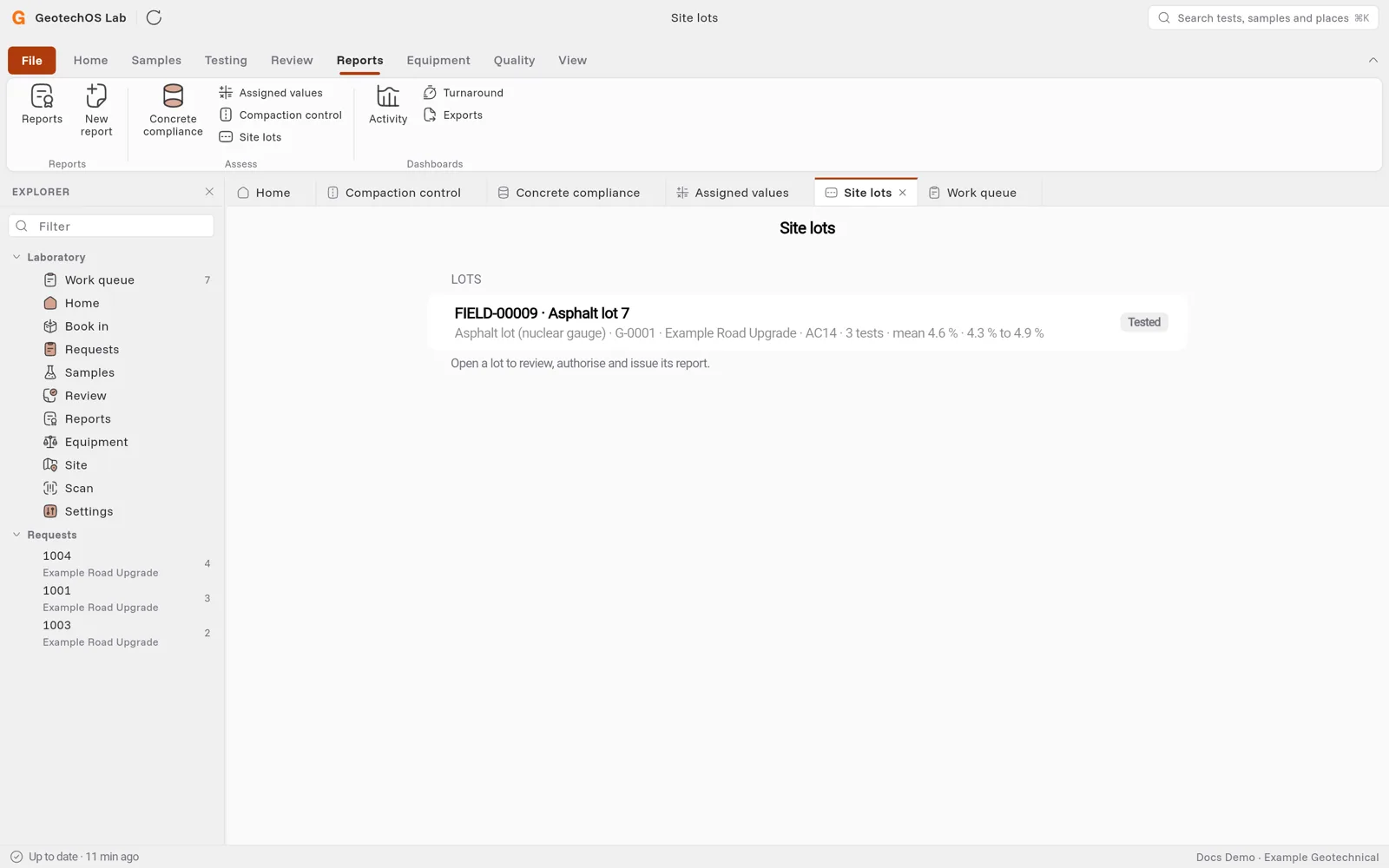
- Click Reports › Site lots. Each lot shows its type, project, number of tests, its values and its status.
- Click the lot. Lab shows the lot details, each test and the values of the lot.
Review and authorise
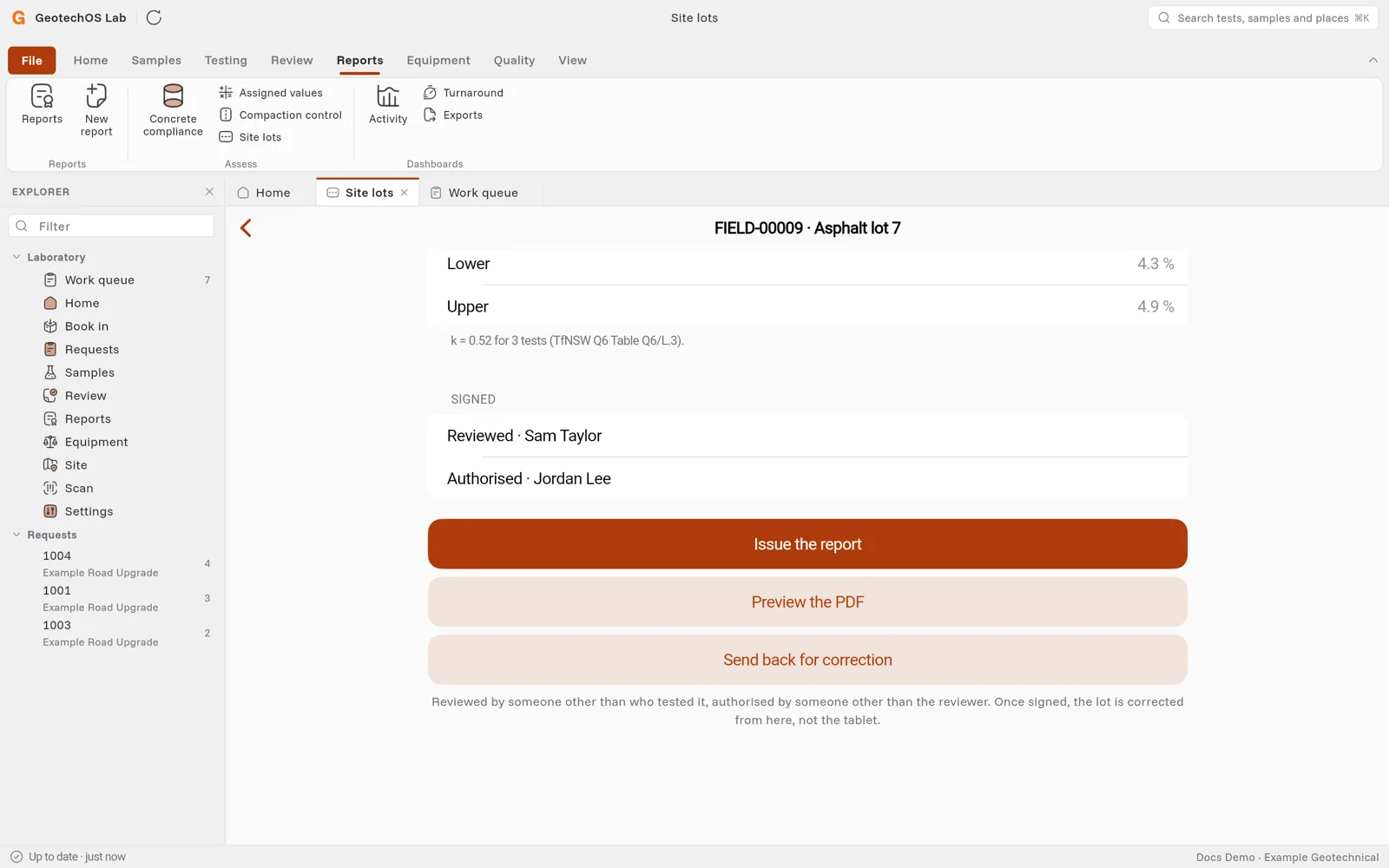
- A person who did not test the lot clicks Review.
- A third person clicks Authorise for issue.
If you tested or reviewed the lot, Lab tells you who signs next. It does not show you the button.
To see the report before it is issued, click Preview the PDF. The preview is marked PREVIEW · NOT ISSUED.
Issue the report
When the lot is authorised, click Issue the report. Lab draws the PDF on your computer and the server keeps it as issued. Each photo that is on the report is printed on a page of its own, with its caption.
Send back for correction
If the lot is wrong after it is signed, click Send back for correction and type why. Lab clears the signatures and the lot goes back to Tested. The tablet that recorded it can change it again. Then review, authorise and issue it again. The earlier issue stays on record.