
Batch sheets for many tests of one method
Enter many tests of the same method on one batch sheet in GeotechOS Lab, with the equipment picked once and each row calculated as you type.
Applies toWindows and macOSWeb browserPhone and tablet
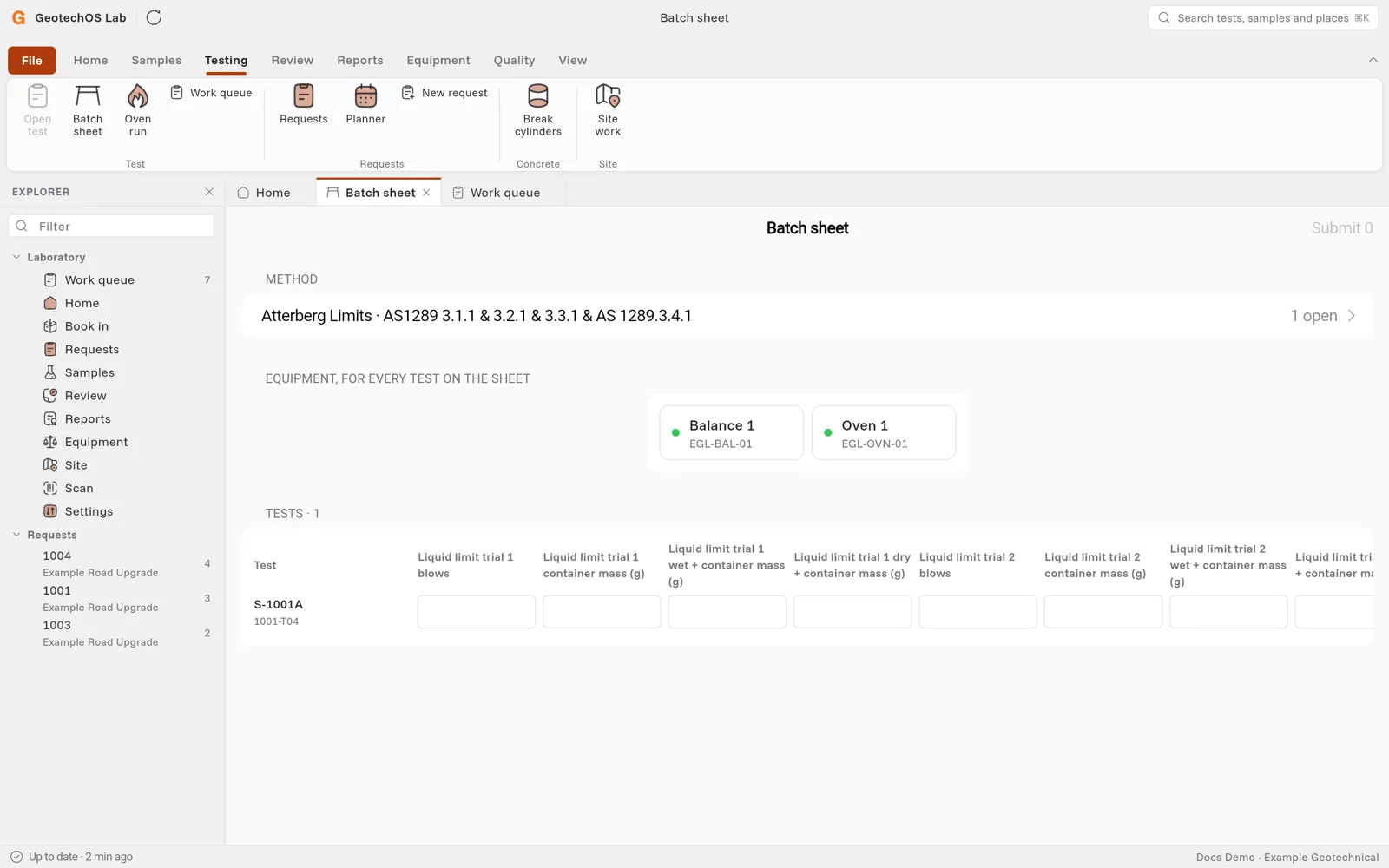
A batch sheet shows all open tests of one method as rows, for example every moisture content test of the day. You pick the equipment once and type the readings row by row.
Open a batch sheet
- Computer: click Testing › Batch sheet.
- iPad: on Today, tap Batch sheet. It shows when a method has more than one open test.
Use the batch sheet
- Under Method, tap the method. The number shows how many tests are open.
- Under Equipment, for every test on the sheet, pick the equipment, for example Balance 1 and Oven 1.
- Under Tests, type the readings in each row. Press Tab to go to the next cell.
- The Result column shows the result as soon as a row is complete, or how many readings are still to enter.
- Click Submit at the top right. The button shows how many complete rows will be submitted.
Lab sends each row as its own test. Rows that are not complete stay open.
Note: Lab keeps what you type on the device and sends it at the next sync. You can close the sheet and come back later.