
Assigned MDD and OMC values
Assign maximum dry density and optimum moisture content to a uniform material in GeotechOS Lab (AS 1289.5.4.2) to judge field density tests.
Applies toWindows and macOSWeb browser
For a very uniform material, for example crushed rock from one quarry, you can assign values of maximum dry density (MDD) and optimum moisture content (OMC) to the material (AS 1289.5.4.2). Field density tests on that material are then judged against the assigned values, not against an MDD test for each site.
Assign values
- Click Reports › Assigned values.
- Click Assign values.
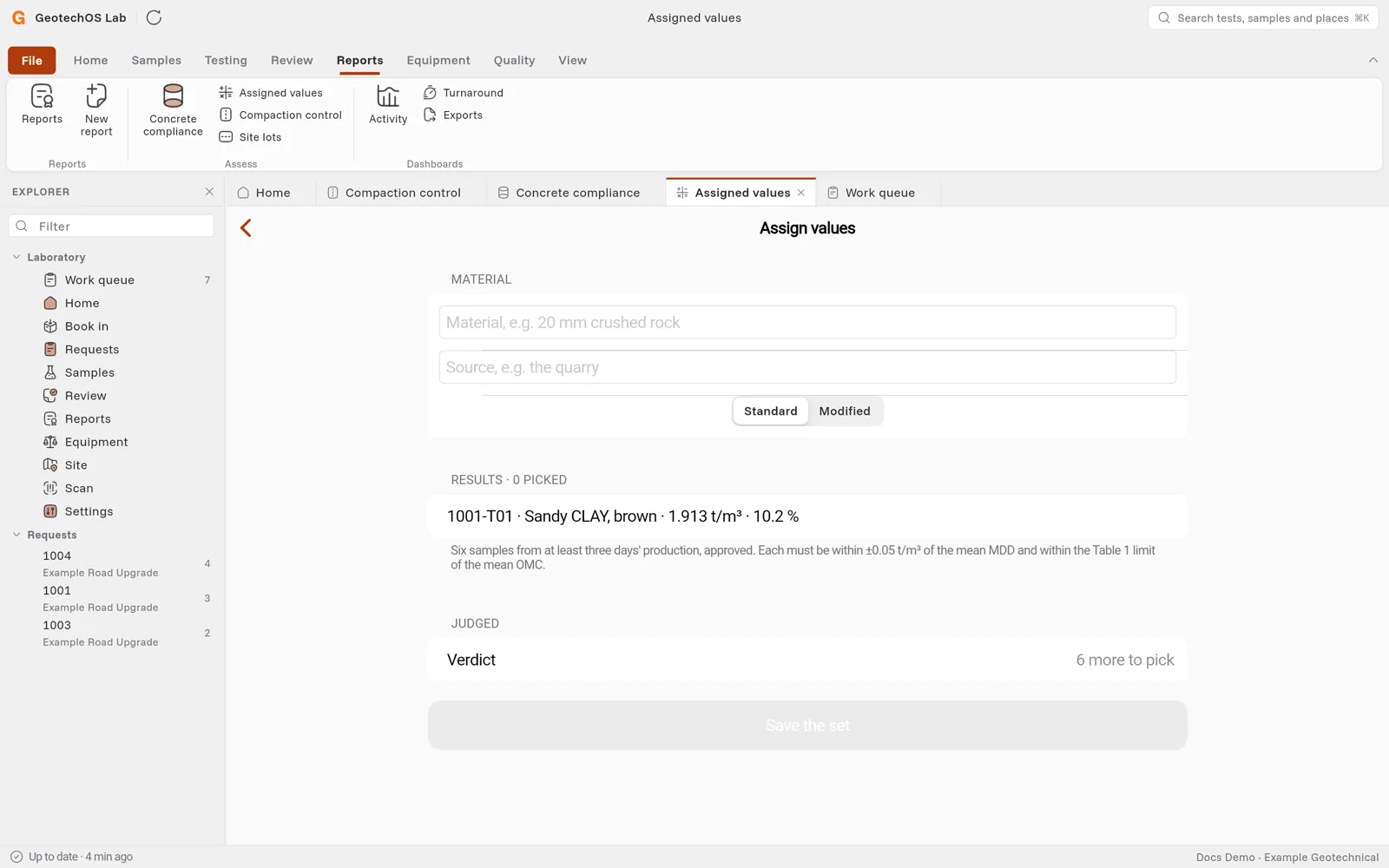
- Under Material, type the material and its source, for example 20 mm crushed rock from Example Quarry. Choose Standard or Modified.
- Under Results, select six approved MDD results of the material. The results must come from at least three days of production.
- Under Judged, Lab shows the verdict. Each result must be within ±0.05 t/m³ of the mean MDD and within the Table 1 limit of the mean OMC.
- Click Save the set.
Monitor the values
The standard asks for monitoring results as production continues. Add each new approved result to the set. Lab tells you when the set needs a monitoring result. On site, a reference that is not monitored in the last three months shows a warning, and the reviewer is asked to check it.
Use the values on site
On a field density test, the assigned values show in the Reference list as Assigned · material · source. See Field density tests on site.